


Vanilla JS and the SharePoint Graph API
June 01, 2026
3 min
Scope and methodology. This post documents findings from a specific incident response and controlled lab testing in a development tenant. I ran five test notebooks through LinkFixer Advanced 8.0.1.743 on a SharePoint Online environment, compared pre- and post-inoculation file binaries, and performed static reflection of the shipped LinkFixer.exe assembly and its bundled Aspose.Note.dll. The technical claims below reflect what I observed in that environment. Production behavior may differ. I’m not affiliated with LinkTek Corporation or Aspose.
If you’re planning a SharePoint migration and someone suggests using LinkFixer Advanced to preserve hyperlinks, I strongly recommend testing it against your OneNote notebooks in a development tenant before any production use. I documented this issue as a result of hundreds of client OneNote files being damaged in a recent migration project. Do not repeat my mistake by testing only on Word or Excel files.
LinkFixer Advanced’s “inoculation” process is designed to inject tracking metadata into files before a migration so it can repair broken links afterward. For Word, Excel, and PowerPoint files, this works fine - those are ZIP archives (OOXML), and LinkFixer stores its identifiers in a standard custom properties XML file inside the container.
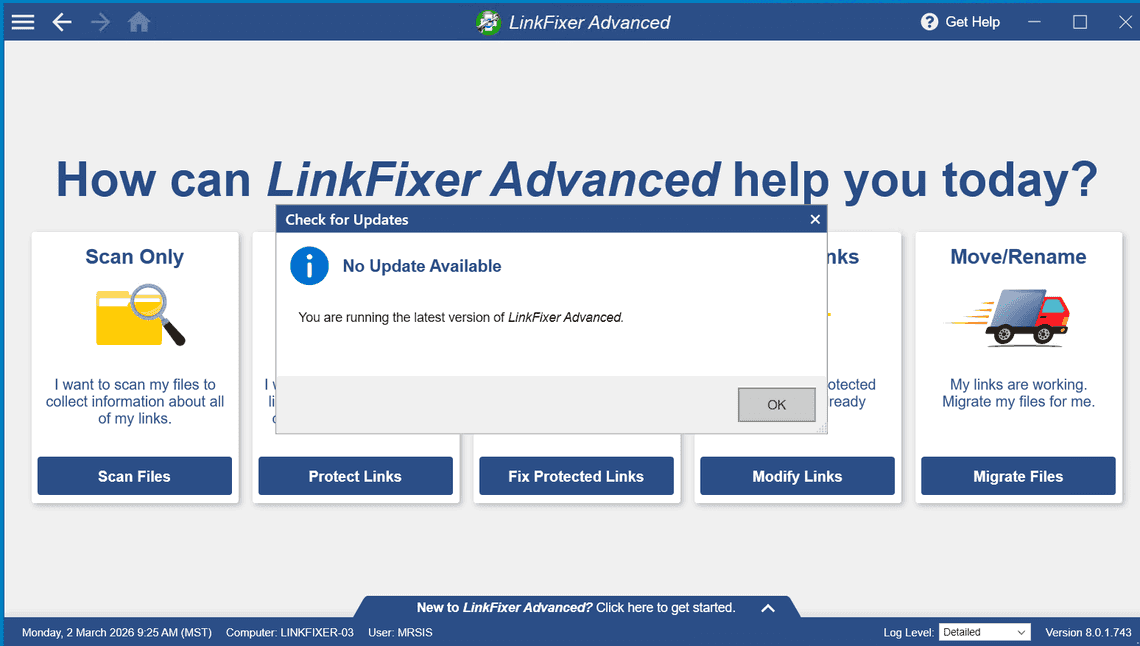
OneNote files are different. The .one format is a proprietary binary revision store (MS-ONESTORE) - not a ZIP container. In-place metadata injection is not possible on this format, so LinkFixer doesn’t even try. Binary reflection of LinkFixer.exe (an obfuscated .NET Framework assembly; SmartAssembly obfuscation hides private members but leaves type names and external references intact) shows its LinkTek.LinkFixer.FileHandlers.OneNoteFileHandler class delegates every .one operation to a bundled third-party library, Aspose.Note for .NET (version 25.6.0.0), via a four-step pipeline:
new Aspose.Note.Document(filePath) parses the .one binary into Aspose’s in-memory object model.Page → GetChildNodes() → RichText.TextRuns, inspecting each TextStyle.IsHyperlink / HyperlinkAddress.TextStyle.set_HyperlinkAddress(newUrl) and TextRun.set_Text(newText). Add a marker image via new Aspose.Note.Image(...).Document.Save(filePath) re-serializes the entire document from the in-memory model, writing a brand-new .one file in place.That last step is where the content loss I observed originates. Aspose.Note’s save path is a lossy round-trip. It can only re-emit the subset of OneNote features its object model represents: plain and styled text runs, basic hyperlinks, simple images, basic tables, page outlines. Everything else - ink strokes, embedded file attachments, audio/video, math equations, complex drawings, custom tags, author attribution, sub-page hierarchy, internal revision history, and any extensibility blobs Microsoft has added to MS-ONESTORE that Aspose hasn’t implemented - was absent from the re-serialized files I examined, consistent with not having been in Aspose’s model on load. The file LinkFixer uploads back to SharePoint is already smaller and already missing content, and Aspose did not raise any exception I could observe that would tell LinkFixer anything was lost.
The lossy nature of Aspose.Note’s save path is not a secret - Aspose has acknowledged it, one feature at a time, across years of release notes.
Aspose’s own blog post for Aspose.Note 16.12.0 (December 2016) announced that the library could now “read and save OneNote Online files without losing images and attachments data.” A reasonable reading of that release note is that, before 16.12.0, Document.Save() on a OneNote file could lose images and attachments without surfacing an error. Aspose has not, to my knowledge, retracted that framing. Aspose has closed specific gaps like this over time, but the library has no general “preserve unknowns” mechanism. If its object model didn’t capture a particular piece of content on load, its save path cannot emit it on save.
A 2019 Aspose forum thread titled “Aspose.Note kills OneNote files during save” (tracked internally as NOTENET-2749) describes a multi-threaded save bug reported by a customer doing exactly what LinkFixer does: load a .one file, modify hyperlinks, save it back. A 2023 forum report confirms that Aspose’s ink rendering is still incomplete - handwritten notes aren’t rendered properly on export, consistent with the internal model having no lossless representation of ink stroke data. Aspose’s current “Save a OneNote Document” documentation page lists supported save formats (.one, PDF, HTML, images, Word) but does not warn about round-trip data loss or list any save-time limitations.
LinkFixer Advanced has claimed Microsoft OneNote support since version 4.0, announced on 4 May 2017 - nine years of shipping this feature. Release notes from multiple intermediate versions (6.0.2, 6.1.1, 6.8.1, 6.9.2, 6.14.1) describe “upgraded OneNote support” or “improved OneNote file handling,” which correlate with Aspose.Note releases that expanded format coverage. None of the release notes I read describe a change to the underlying save mechanism.
Critically, none of LinkFixer’s release notes I reviewed mention content-preservation concerns, data-loss warnings, or any user-facing caveat about saving OneNote files. The only OneNote-related bugs LinkTek has acknowledged in shipping notes I found are files being skipped with error codes - never files being silently reduced. The failure mode I observed — file saves successfully, no error code, just less content than before — does not appear in any LinkFixer release note I found. I have not contacted LinkTek about this directly; a formal response from them may alter this picture.
Around 8 minutes after LinkFixer uploads the file, SharePoint’s server-side OneNote file handler runs a background normalisation pass on the non-Cobalt write. This is not triggered by user access - it runs on every affected file regardless of whether anyone opens the notebook. The converter isn’t trying to corrupt anything; it’s trying to canonicalize an externally written .one file into the shape SharePoint’s OneNote stack expects. Unfortunately, the file handed to it by Aspose already has inconsistent internal metadata relative to its reduced content, so the canonicalization pass I observed appears to resolve those inconsistencies by discarding data rather than reconstructing it.
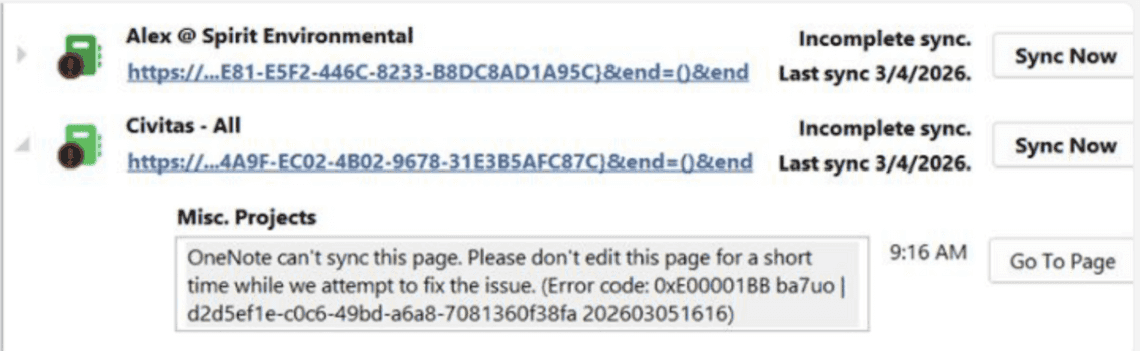
End-to-end, files come out 38–59% smaller than the original (based on lab testing across 5 notebooks; production results will vary) and missing page dates, formatting metadata, section references, hyperlink URLs, and revision history. The Aspose-emitted markers (an XML property block, a 3-byte UTF-8 BOM, a 1x1 transparent GIF, a PNG image, and a “LinkFixerChunksImage” reference) all survive both stages intact.
The damage is two-stage:
OneNote Desktop may refuse to open the damaged sections entirely. OneNote for the Web can sometimes still render partial content, which means users may not notice the damage immediately - they just keep editing on top of a corrupted binary.
If you inspect an inoculated .one file in a hex editor you’ll find an OOXML custom-properties XML block with a LINKTEK-ID-FILE property. My first hypothesis was that LinkFixer naively treats .one files as OOXML ZIP containers and blob-injects this XML into the binary stream. That hypothesis is wrong.
What’s actually happening: LinkFixer adds its locator beacon to the document through Aspose.Note’s API (as a document-level custom property or attachment). Aspose.Note’s internal serializer emits that property using OOXML custom-properties XML vocabulary when it re-writes the .one file during Document.Save(). The XML block, the BOM, the 1x1 GIF marker, and the “LinkFixerChunksImage” reference are all outputs of Aspose.Note’s save path - not artifacts of a crude binary injection by LinkFixer.
This distinction matters for any conversation with LinkTek. The root cause I identified is: LinkFixer uses a format writer (Aspose.Note.Document.Save) that did not losslessly round-trip .one files in any of my test cases, and every other artifact visible in the output is a consequence of that.
The critical implication: even if LinkFixer’s own logic were perfect, the save step is still lossy in my testing. LinkFixer could identify every hyperlink correctly and rewrite every URL to exactly the right new path, and Aspose.Note’s save would still drop the content that falls outside its model. No flag, option, or version upgrade within the current LinkFixer binary would change this, because Aspose.Note.dll is the only OneNote engine present in the distribution I examined. The only structural fix would be to replace Aspose with an in-place binary editor for MS-ONESTORE, or to route through Microsoft’s own OneNote stack (COM interop or the Microsoft Graph OneNote API). I did not find either option in the LinkFixer binary I reflected.
Here’s the critical insight that makes recovery possible: normal OneNote editing never creates SharePoint version history.
OneNote syncs via the FSSHTTP/Cobalt protocol, which sends incremental binary deltas to SharePoint. These syncs increment internal counters but never bump the SharePoint UIVersion. A notebook can go through hundreds of edits and remain at version 1.0 with zero entries in version history.
When LinkFixer writes the modified file back to SharePoint, it uses a non-FSSHTTP channel (WebDAV / CSOM / REST). SharePoint recognizes this as an external modification and automatically snapshots the current clean file as version 1.0 before accepting LinkFixer’s write. This snapshot captures the file before Aspose’s lossy save overwrote it, which is what makes recovery possible.
Any .one file at UIVersion 2.0 or higher was modified by something outside OneNote’s native sync. In environments where no other tools write to .one files, this is effectively the damage indicator.
For confirmation, download the file and search the binary for the ASCII string LINKTEK. In every test file I examined, this string was present after a LinkFixer inoculation and absent before it.
The fix is straightforward: restore version 1.0 from SharePoint version history using one of the two methods:
Restore-PnPFileVersion. The clean pre-inoculation snapshot contains all original content with no LinkFixer artifacts.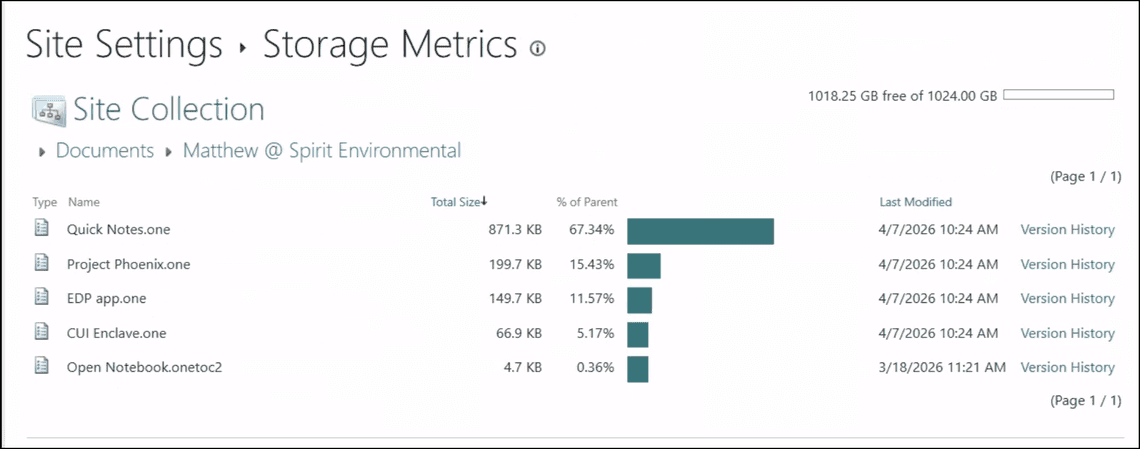
The catch: any edits users made after inoculation exist only in the damaged current version and will be lost when you restore. The sooner you act, the less work is at risk.
Disclosure. These findings come from my own testing and from static analysis of binaries distributed with a licensed copy of LinkFixer Advanced. If anyone from LinkTek or Aspose would like to provide a correction, clarification, or additional context, I will update this post.
Aspose.Note.dll was present - every .one operation goes through Aspose’s Document.Save()UIVersion > 1.0 on any .one file, confirmed by LINKTEK string in the binary


